

How it works
You connect your Meta account once. After that, a new ad goes through five steps. 317ads does the technical setup; the decision to go live stays with you.
14 days free · No setup fee
Before you start
Connect your Meta account
You log in with Facebook and choose your ad account, Facebook Page and Instagram account. You only do this once. Your password isn’t shared with us, and while connecting you see which permissions we ask for and why.
Step 1
Choose your goal
Pick what you want to happen: people message you, visit your website, buy, fill in a form or get to know your brand. If you’re not sure, “Which objective fits me?” finds the right one with a single question.
Step 2
Show what you’re promoting
Pick one of your Instagram or Facebook posts, or describe your business and what you want to promote right now in two sentences. If the goal calls for it, you add your website address.
Step 3
Get your ad ready
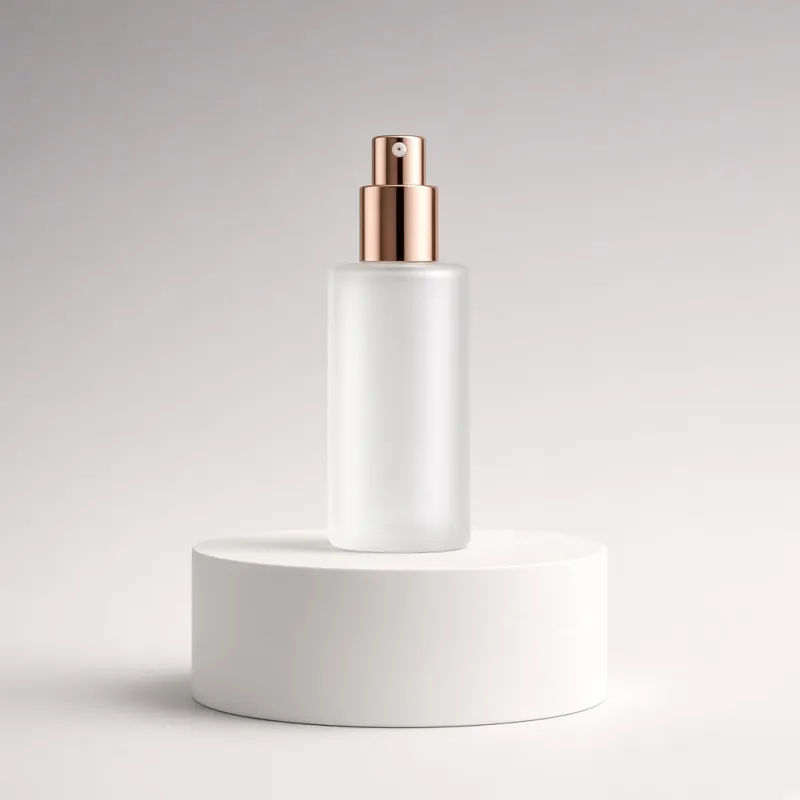
Upload your own image or generate an ad image from a photo of your product. For a new ad, 317ads writes the copy; it doesn’t go live until you approve it.
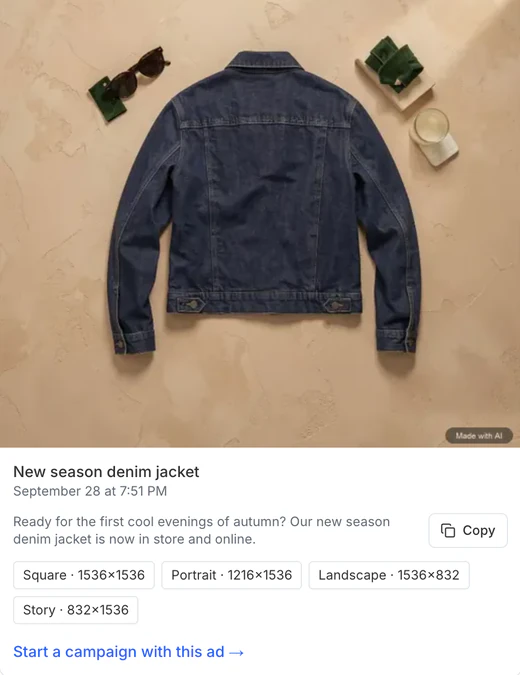
Real screen from the panel · sample brand Step 4
Set your budget and location
Choose where the ad is shown and the daily amount. The ad can run for 7, 14 or 30 days, or you pick a date; the screen immediately shows the most that will be spent.
Step 5
Review and go live
You check the preview, the amount and the end date, then press “Go live”. 317ads first sets the campaign up paused and reads it back from Meta; if the daily amount and the end date are in place, it starts the campaign. Meta reviews the ad before it runs; this usually finishes within 24 hours.





Afterwards
Track your results
Once the ad is live, you see what was spent, how many results came in and what each result cost. If something isn’t going well, 317ads tells you in a single sentence.
What happens behind the scenes?
While you answer five questions, 317ads uses rules to prepare the setup Meta requires.
Your goal becomes the right setup
Fixed rules turn the goal you choose into the right campaign setup on Meta; nothing is guessed.
Audience and placements are left to Meta
Meta’s own system chooses the audience and placements; this is the setup Meta recommends.
Missing pieces are flagged up front
If your goal requires measurement or a payment method is missing, you see it before setup.
Every step is logged
During setup, Meta’s response to every step is recorded; if something gets stuck, you can see where.
Frequently asked questions
What if I don’t have a Meta ad account?
317ads works with your own Meta ad account. If you don’t have one, you can create it in Meta Business Settings and add your payment method there too.
Where do I add a payment method?
Because your ad budget is paid to Meta, the payment method goes on your Meta ad account. If it’s missing, 317ads tells you before you go live and gives you a link to the right page on Meta.
When does my ad go live?
After you press “Go live”, Meta reviews the ad; this usually finishes within 24 hours. You see the outcome in the panel.
Can I stop a live ad?
Yes, with one click. Stopping needs no confirmation; restarting asks for a confirmation that shows the amount.
What happens if I disconnect?
When you disconnect in the panel, the stored access token is deleted and the permissions on Meta are revoked; if Meta refuses, the panel tells you. Your ads on Meta stay as they are; nothing is paused.
Try the five steps yourself
No setup fee, and your first subscription is free for 14 days. Your card is verified with iyzico; canceling during the trial is free.